
What Is Snooker Club Management Software?
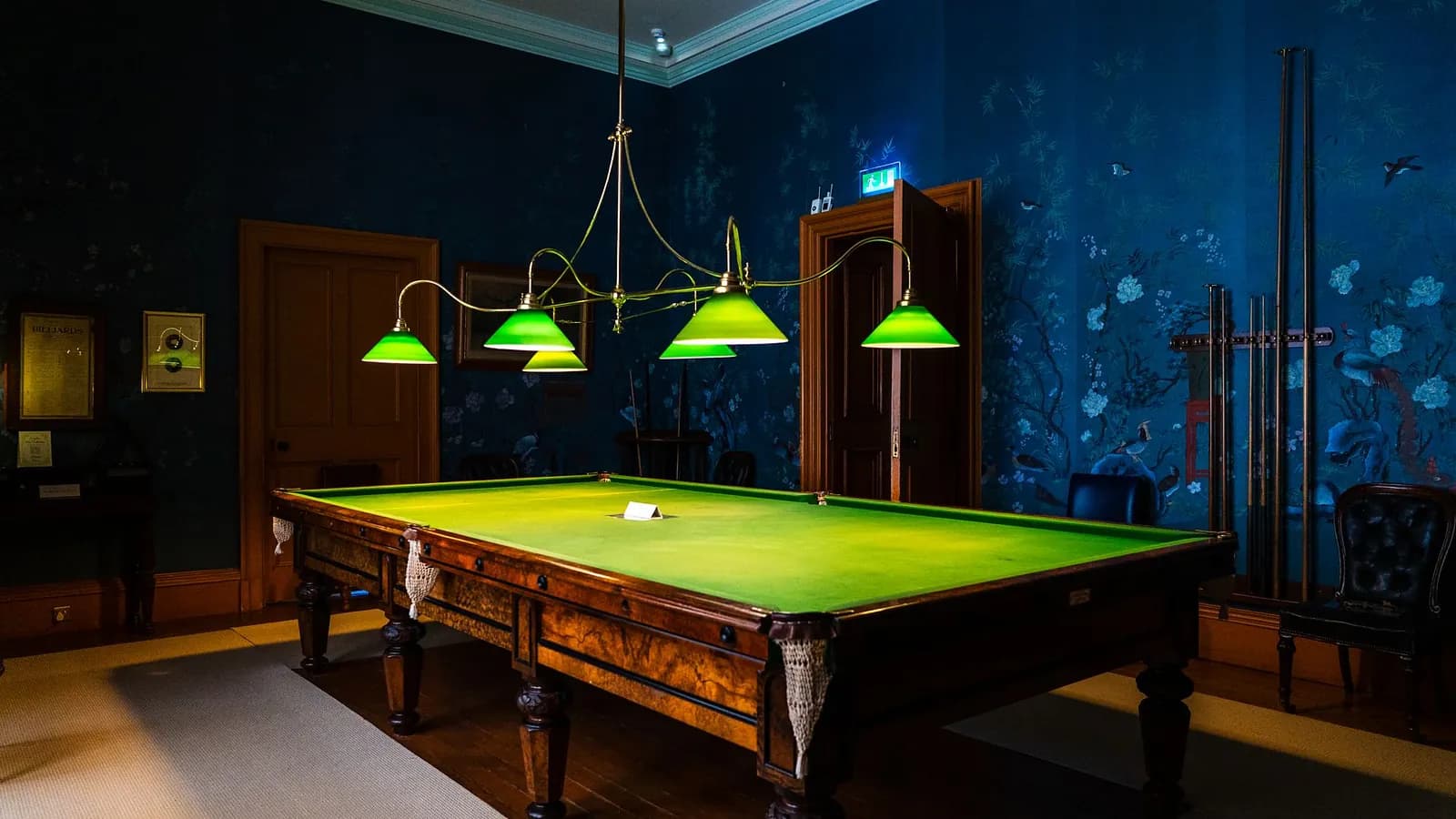
Snooker club management software is a system that runs a club's daily operations in one place: table availability, game sessions, billing, customer credit, expenses, cash closing and reports. It replaces the register, the wall clock and the end-of-night spreadsheet with records that staff and owners can check at any time.
A snooker club looks simple from the outside. Players arrive, take a table, play and pay. Behind the counter, the owner is tracking which tables are free, when each game started, what each table should be charged, who is playing on credit, how much cash should be in the drawer and whether last month's electricity bill wiped out the profit. Software helps when those questions take longer to answer than they should.
What does snooker club management software do?
Snooker club management software connects the table, the bill and the books. A game starts on a table, the session is billed at the right rate, the payment is recorded, and the result flows into daily and monthly reports. Most systems cover six jobs:
- Tables and sessions. See which tables are available, in play or reserved, and start or end a session.
- Billing. Charge a fixed rate per game or a time-based rate, and print a receipt.
- Customers and credit. Keep visit history and track regulars who play now and pay later.
- Expenses. Record rent, salaries, electricity, repairs and cleaning against the business.
- Cash control. Open the day with a cash float and close it by comparing expected and actual cash.
- Reports. Review sales, discounts, credit, expenses and profit by day, table, staff member or branch.
The details of timing, rates and table allocation are covered in our guide to managing snooker table sessions, timing and bookings.
How is it different from a register or a generic POS?
A paper register records what someone remembers to write down. A generic retail or restaurant POS records item sales but usually treats table time as an awkward add-on. Snooker club management software is built around the table session, so time, rates and table status sit at the centre.
| Task | Paper register | Generic POS | Snooker club management software |
|---|---|---|---|
| Know which tables are free | Look around the room | Not designed for it | Live table status |
| Start and end a game | Write the time by hand | Manual item entry | Session started and ended on the table |
| Charge timed play | Calculate on paper | Workarounds | Rate rules applied to the session |
| Track regulars on credit | Notebook or memory | Sometimes, as customer accounts | Credit balance per customer |
| Record club expenses | Separate book | Often outside the POS | Expense categories in the same system |
| Close the day | Count cash, hope it matches | Sales report only | Expected vs actual cash, with variance |
| See profit per table or branch | Rebuilt in a spreadsheet | Rarely | Reports by table, staff and branch |
What problems does it solve for a snooker club?
The biggest problems in a snooker club are small and frequent: a few minutes of unbilled play, a table promised twice, a credit tab nobody followed up. Software makes each of these visible and recorded.
- Unbilled table time. A game starts at 7:05 but is written as 7:15. Ten minutes a table, several times a night, adds up across a month.
- Double allocation. When bookings live in memory, the same table can be promised to a walk-in and a regular.
- Rate disputes. Players question how a bill was worked out when rules on pauses, minimum charges and rounding are not written down.
- Credit that never comes back. Regulars who play on credit are good for business until balances grow without anyone tracking them.
- Cash that does not match. Discounts given at the counter and shift changes make the evening's cash hard to reconcile.
- Unknown profit. Table revenue arrives every day. Rent, salaries, electricity and cloth replacement arrive monthly. Without both in one place, the owner cannot see the real margin. Tracking table time, food and drink and other income as separate streams makes that margin visible, as our guide to tracking snooker club sales, revenue and expenses explains.
Example: one evening at a six-table club
Consider a club with six tables on a Friday evening. Table 1 is booked by a regular at 8 pm. Tables 2 to 5 fill with walk-ins. Table 6 is closed for a cloth repair.
Without software, the counter staff hold all of this in their heads and a notebook. The repair is mentioned to one shift and forgotten by the next. A walk-in is offered Table 1 at 7:50 because nobody checked the booking.
With snooker club management software, the screen shows Table 6 under maintenance and Table 1 reserved. Each walk-in session starts when the players begin, and each bill is calculated by the same rules. When the regular asks to pay at the end of the month, the amount goes to their credit balance. At closing, the manager compares the system's expected cash with the cash in the drawer and records any difference.
Which features matter most?
Start with the features you use every day, then add the ones that depend on your club's model. Treat anything a vendor calls "coming soon" or "roadmap" as unavailable until you see it working.
| Priority | Feature | Why it matters |
|---|---|---|
| Essential | Table status and session start/stop | Prevents double allocation and unrecorded play |
| Essential | Billing rules for your games (fixed and timed) | Makes every bill consistent and explainable |
| Essential | Receipts and payment recording | Gives players and staff a clear record |
| Essential | Daily opening and closing | Catches cash differences on the day they happen |
| Important | Customer credit tracking | Keeps regulars' balances under control |
| Important | Expenses and profit reports | Shows whether the club is making money |
| Important | Staff roles and permissions | Limits who can give discounts or change rates |
| Depends on your club | Multiple branches | Compares locations from one place |
| Depends on your club | Snack and drink sales and stock | Puts all revenue on one bill and one report |
| Depends on your club | Online booking, memberships, tournaments | Useful for some clubs; check availability carefully |
Do small snooker clubs need software?
A small snooker club does not need software because of its size. It needs software when the owner cannot quickly answer "what did each table earn this week and where did the cash go?" A three-table club with many regulars on credit may benefit sooner than a larger club with simple cash sales.
A practical test is to time your own end-of-day routine. If closing takes long, cash rarely matches, or monthly profit is a guess, a system is worth reviewing.
How to choose snooker club management software
Ask each provider to run your club, not a generic demo. Bring your real rates, your table list and one difficult evening, then ask:
- Can you show a fixed-price game and a timed game on the same screen, including a pause?
- How is a table marked as reserved or under maintenance, and who can change it?
- How are discounts approved and recorded?
- How does a regular's credit balance build up and get paid off?
- What does the daily closing screen show when cash is short?
- Which reports show revenue by table and by staff member?
- Which features are available now, and which are planned?
- What are the devices, setup and support included, and how is pricing agreed?
For a consistent way to compare written offers, see how to compare POS software quotes.
How DigiNizam supports snooker clubs
DigiNizam is business management software for snooker clubs, not only a checkout screen. Its snooker club software follows the club's daily flow: choose a table and game type, start the session, finish it, apply any discount, record cash or credit, print the receipt and release the table.
- Game billing: Single Game and Double Game at configured fixed rates, and a Century timer with per-minute pricing, pause and resume, minimum duration and rounding.
- Tables: table types, live status, availability, reservations, maintenance and table-specific pricing.
- Customers and credit: visit history, spending and credit balances with partial payments and statements.
- Money: discounts with reasons and approval limits, categorised expenses, daily opening and daily closing with cash variance.
- Control: a dashboard, reports by table, staff and branch, user roles and module-level permissions, and multi-branch management.
Tournaments, memberships and loyalty are planned, not currently available. Table reservations are recorded by club staff; online customer self-booking is not available but can be built as a custom feature for an additional charge. DigiNizam serves customers globally in English with 24/7 support, and there is no online payment integration. Review the wider DigiNizam features and how pricing is agreed.
To see how the money side fits together, read how snooker clubs track sales, revenue and expenses.
Frequently asked questions
Is snooker club management software the same as a POS?
No. A POS records sales at the counter. Snooker club management software also manages tables, timed sessions, customer credit, expenses, daily cash closing and reports. Many clubs use one system that does both.
Can one system handle snooker and pool tables?
Often, yes. Check that the system lets you set table types and give each table its own rates. DigiNizam's table management covers snooker and pool tables with table-specific pricing.
Can it manage more than one club location?
Some systems can. Look for separate tables, staff and pricing per branch, plus consolidated reports. DigiNizam includes branch management with consolidated reporting.
Does snooker club software include online table booking?
It depends on the provider. In DigiNizam, club staff record reservations and bookings in table management. Online customer self-booking is not available as a standard feature, but DigiNizam can build it as a custom feature for an additional charge. Ask every vendor to demonstrate booking before you rely on it.
See DigiNizam running your club
Book a DigiNizam demo with your table list, your game rates and one busy evening in mind. The team will walk through sessions, billing, credit, expenses and reports for your setup. If you want to proceed, pricing is agreed after the demo once your requirements are clear.
Book a demo