
POS Software Pricing: How to Compare Quotes
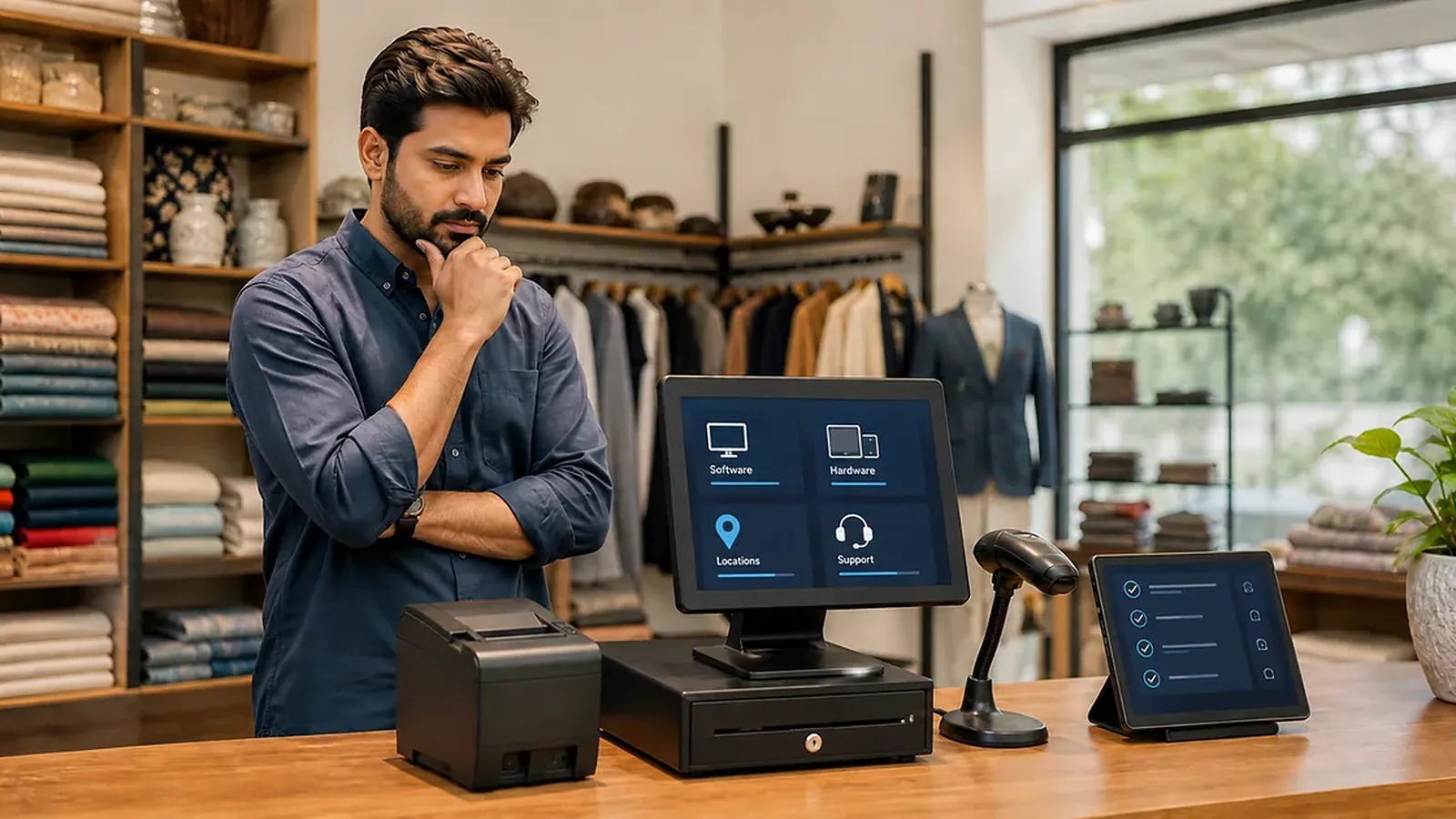
POS software prices vary by provider and the setup a business needs. Compare written quotations for the same requirements rather than assuming a headline software charge is the total cost. DigiNizam does not currently publish fixed prices: the process is a demo, a requirements discussion and agreed pricing if the customer wants to proceed.
What should a POS quote include?
Software: Identify the modules, locations, users and billing counters covered by the agreement. Ask how changes to the setup affect the quote.
Hardware: List devices separately, including compatible terminals, printers and scanners where needed. Confirm whether existing equipment can be reused and who handles installation or replacement.
Implementation: Ask what product or menu preparation, data import, configuration and staff guidance are included. Get any exclusions in writing.
Ongoing services: Confirm support, updates, maintenance and data access arrangements. Do not assume backups, cancellation terms or free upgrades from a general description of the product.
Compare two quotes using the same example
Imagine a shop needs one counter, a receipt printer and a defined product list. Quote A includes only software. Quote B includes software, a device and installation. The two headline amounts cannot be compared fairly until the missing items and coverage periods are made explicit.
This is a comparison method, not a real DigiNizam offer. No prices are implied.
How can you compare total cost?
Choose a shared period, such as 12 months. List the one-time charges and the recurring charges that apply over that period. Keep optional extras separate. Record taxes, currency and payment timing as stated in each quotation.
If the arrangement includes payment processing from another provider, review those terms separately. Recording cash or a card-terminal payment in a POS is not the same as processing a payment through it. DigiNizam does not offer online payment integration.
Ask what you can export, which format is available and what happens to access at the end of the agreement. These terms matter even when the initial price looks attractive.
Why there is no universal POS price
A useful range needs current, comparable quotes with defined modules, devices, tax treatment and service terms. International vendor prices may be denominated in another currency and apply to a different market. A currency conversion alone does not establish the full cost for your business.
Frequently asked questions
Does DigiNizam have fixed monthly plans?
No fixed public pricing is currently set. Start with a demo, discuss the required setup and agree on pricing if you want to proceed.
Is hardware included in the software quote?
Only if the written agreement says so. Ask for the models, quantities and compatibility details, and separate their costs from software charges.
Are setup, maintenance and backups included?
Confirm each item in the agreement. This guide does not promise free setup, included maintenance or a backup service.
Get a quote for your requirements
Prepare your business type, number of locations, counters, devices and required workflows. Book a DigiNizam demo and review how pricing is agreed. For restaurant-specific buying checks, read choosing restaurant POS software.
Book a demo