
Restaurant Management Software in Pakistan
Manage restaurant POS, billing, orders, kitchen workflow, inventory and reporting with DigiNizam restaurant management software built for daily operations.
Restaurant POS & Billing
DigiNizam restaurant POS software handles counter billing, receipts and daily sales from one screen. Staff add items, apply the order to the bill, and take payment as part of the same ticket.
See POS software Pakistan for the broader platform, or POS software pricing in Pakistan for how plans are quoted.
Kitchen Order Ticket (KOT)
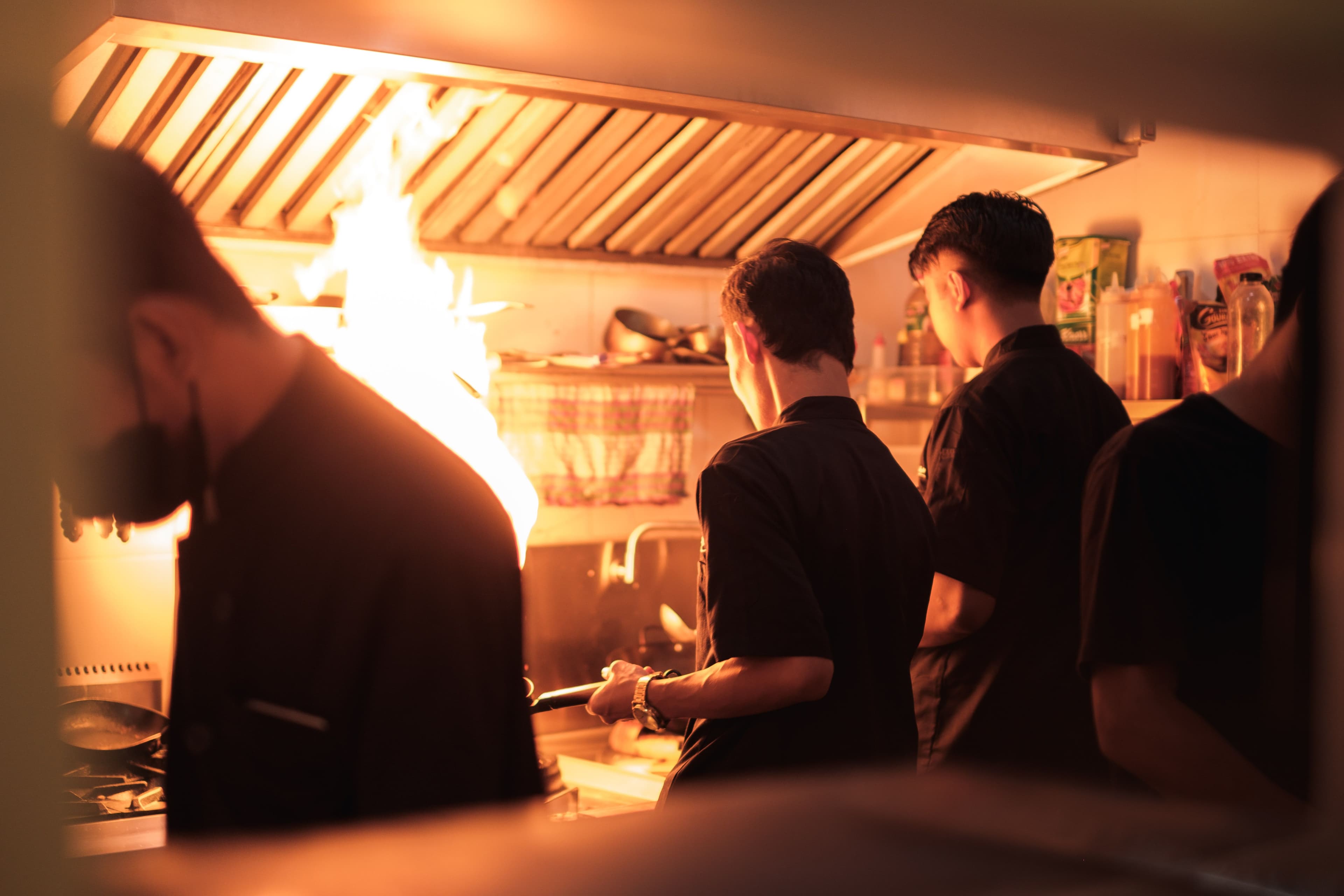
After an order is confirmed on the POS, DigiNizam sends the ticket into the kitchen order flow. Kitchen staff see the items on a kitchen display (KDS) so they can prepare from the same order the cashier is billing—without a separate paper process.
Order Management
In a digital restaurant workflow, a waiter selects the table or customer order, adds the requested items in the POS or waiter device, confirms the order, and sends it into the restaurant’s order flow. The kitchen then receives the required order details, while the billing side keeps the order connected to the same transaction for later updates and payment.
In DigiNizam, that flow is: select the table or order on the POS, add items, send the ticket to the kitchen display, and keep the same order on the bill for updates and payment. Other steps (such as QR ordering or automatic kitchen printing) are only part of a deployment if they are enabled for that restaurant.
Inventory & Stock
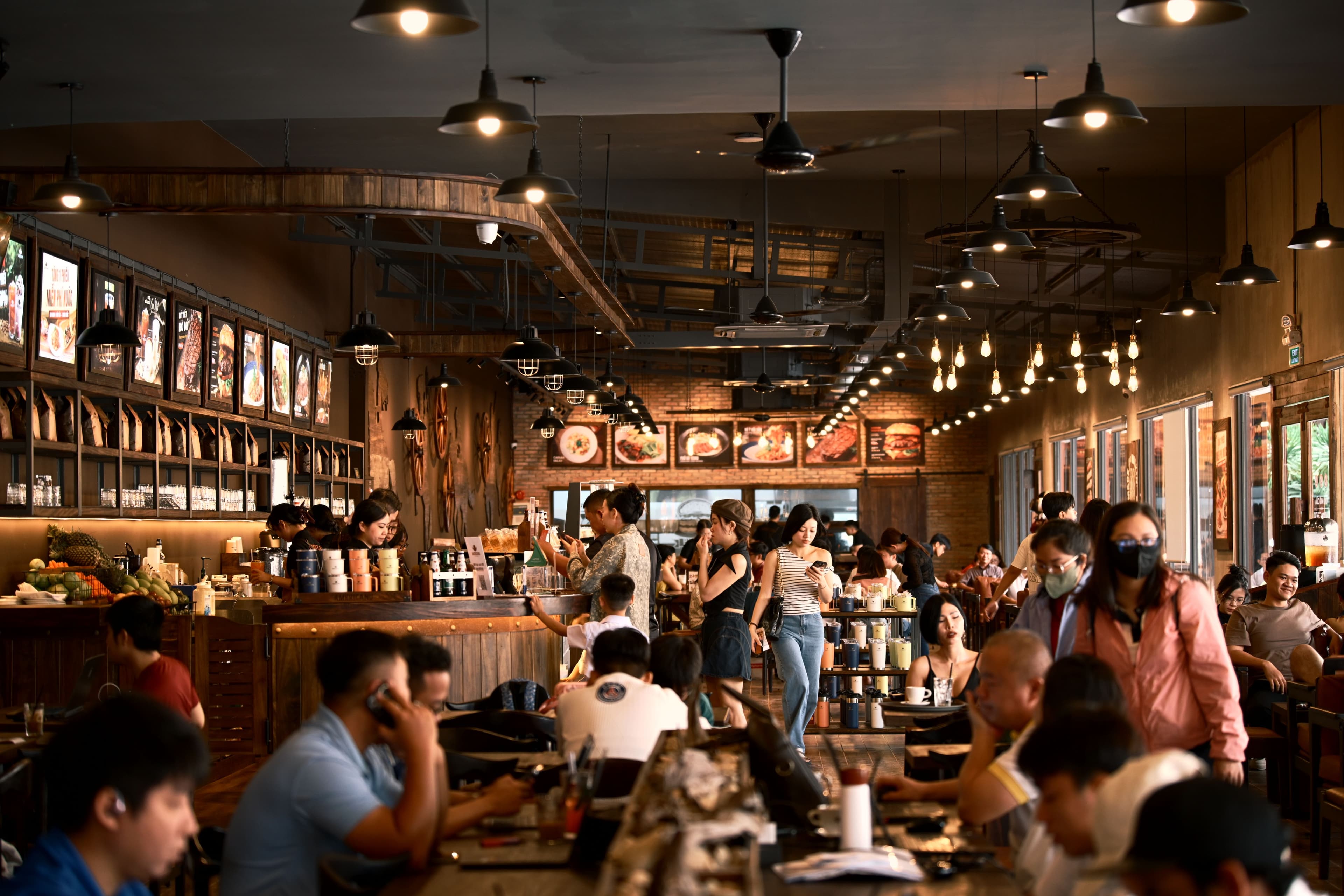
When items are billed, DigiNizam can deduct linked ingredients or stock so inventory stays tied to restaurant operations instead of a separate spreadsheet. Restaurant inventory software covers stock tracking, branch use and inventory reports in more detail.
Offline-Ready Operations
Some POS systems can continue selected operations without an active internet connection, while others require the cloud to stay connected. Offline capability depends on how the software is built and which actions are stored locally. Restaurants should confirm exactly what continues to work offline, what is queued for later synchronization, and which actions still require internet.
DigiNizam POS can continue taking orders and billing when the internet drops. Those records are stored locally and sync when the connection returns. Not every POS action is offline—confirm with our team which steps still need internet in your setup.
Reports & Analytics
Restaurant KPIs are measurable indicators used to understand operational performance. Common examples include sales, order volume, average order value, top-selling items, inventory usage, stock shortages, cancellations and service or order timing. The most useful KPIs depend on the restaurant’s goals, so owners should focus on measures that help them control revenue, stock, service quality and day-to-day operations.
DigiNizam currently reports on sales, order activity, top-selling items and inventory movement by outlet. Other metrics are only part of your workspace if they appear in your live reports.
Who It Is For
DigiNizam restaurant management software is for cafes, quick service, dining rooms and multi-outlet restaurants in Pakistan that need POS, kitchen tickets, stock and reporting in one system. Book a demo to see the live workflow, or contact the team if you already know your outlet count.
Related pages: POS software Pakistan, restaurant inventory software, POS software price in Pakistan, and book a DigiNizam demo.
Restaurant software questions
Direct answers for common restaurant software questions. DigiNizam is not ranked as “best” here—compare it on workflow, support and cost.
The best restaurant management software depends on the restaurant’s workflow. A strong system should make daily POS and billing work easier, connect order and kitchen operations, support inventory control, provide useful reports, and remain simple for staff to use. Compare solutions based on the features your restaurant actually needs, ease of use, support, reliability and total cost. Evaluate DigiNizam against those same points using its live POS billing, kitchen tickets, order flow, inventory control from sales, and operational reports.
There is no single restaurant POS that is best for every business in Pakistan. Restaurant owners should compare systems by billing and order workflow, kitchen coordination, inventory needs, reporting, ease of staff training, support, pricing and the ability to keep operations reliable when connectivity is weak. The right choice is the system that matches the restaurant’s size, workflow and operational priorities. DigiNizam restaurant POS supports counter billing, kitchen tickets, inventory deduction from sales, sales reports, and continued billing when the internet drops—confirm the fit against your workflow in a demo.
Book a Demo
Walk through restaurant POS, billing, KOT, inventory and reporting with our team.
Trusted by businesses across Pakistan
Retail outlets, chains, and growing brands rely on DigiNizam every day.




Accredited for trust & security
Certified software engineered to satisfy strict regulatory and security frameworks.
FBR digital integration
Real-time automated fiscal invoice reporting compliant with FBR standards.
ISO 9001 certified
Adheres to international quality management and software standards.
Enterprise cloud security
End-to-end encryption with secure role-based access controls.
24/7 technical support
Round-the-clock helpdesk, backups, and continuous maintenance.