
Apparel POS Software for Clothing Stores & Boutiques
Bring clothing store billing, item records and stock activity together. Review the size, colour, barcode and purchasing requirements for your apparel setup.
What Is Apparel POS Software?
Apparel POS software records clothing sales and connects them with item inventory, purchasing and reports. Size, colour and style can affect how a clothing retailer organises its catalogue. Confirm the fields, item structure and checkout actions available in the selected DigiNizam setup.
Clothing Store Billing and Stock Records
Keep clothing sales and item inventory organised in one retail workflow. Review the product fields, checkout actions and reports your store needs.
Review item entry, sales, returns and purchasing using sample clothing products. Confirm size and colour handling, bill holding and payment recording in the selected configuration.
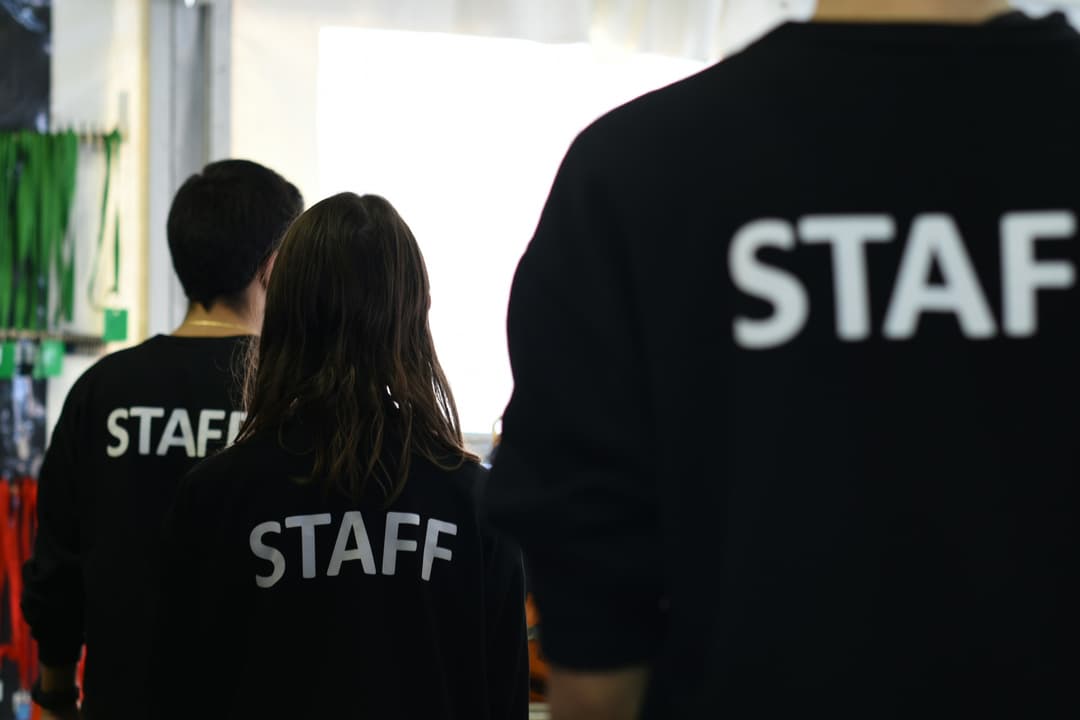
Review Your Apparel Store Workflow
Bring clothing, footwear or accessory examples to the demo. Check how item records, stock, sales and purchases fit your catalogue and store operations.
Confirm whether sizes and colours use separate item records or supported variant fields. Review barcode labels, exchanges and stock updates without assuming a matrix, store-credit or automated reorder module.
- Item, size and colour requirements
- Sales and return workflow review
- Purchasing and report requirements
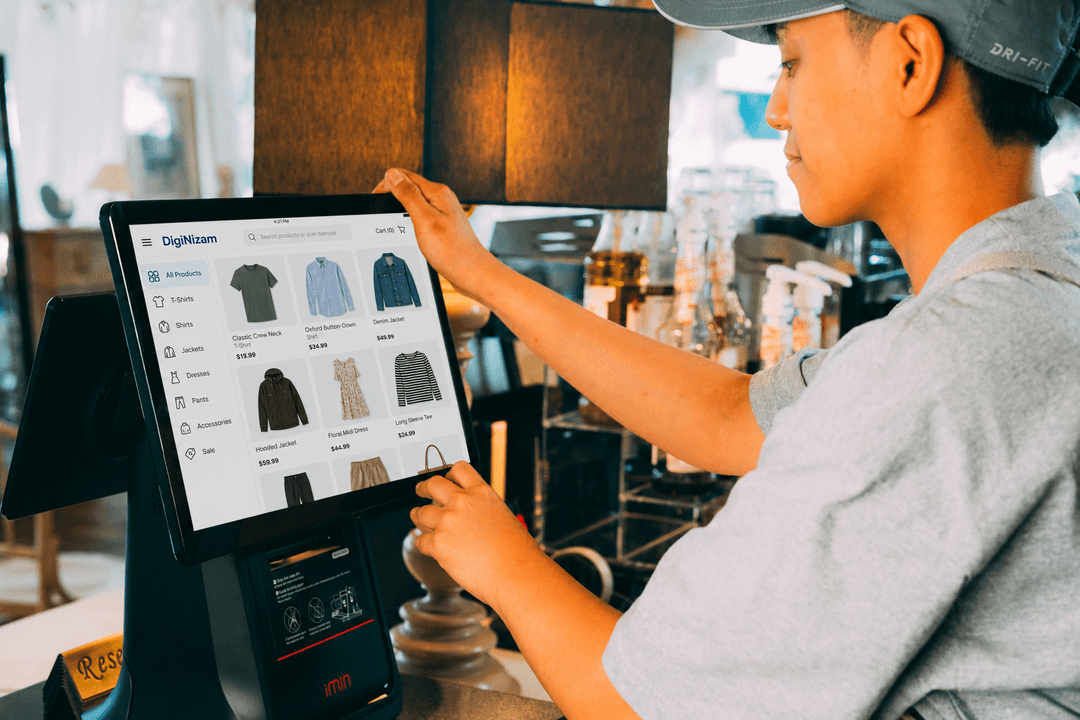
Apparel Store Workflows to Review
Inventory records
Review item fields, stock movements and the locations available in the selected configuration.
Billing workflow
Review item lookup, sales, invoices and any supported discount or return actions.
Barcode and labels
Confirm barcode formats, scanner compatibility and label fields using your product examples.
Purchasing records
Review supplier records, purchasing and receiving steps available in your setup.
Business reports
Review the sales, stock and purchasing reports available in your selected configuration. Confirm local tax obligations separately.
Locations and connectivity
Confirm the locations, user access and connectivity needed for your selected setup.
Discuss Your Business Setup
Clothing stores and boutiques can review item records, size and colour requirements, purchases and billing in a DigiNizam demo before agreeing on the configuration.
For the broader store workflow, review retail billing and stock workflows.
Review the POS and inventory features and confirm the functions available for your selected setup.
See how DigiNizam pricing is agreed after the demo and requirements discussion.
Related guide: how to choose retail POS software.
Clothing store software questions
Direct answers for common apparel and clothing store questions.
A clothing catalogue needs to distinguish the items that staff sell and count. Size, colour, style and edition of a product may require separate item records or supported variant fields. Review your actual catalogue in DigiNizam to confirm how stock, labels, sales and returns are recorded.
The selected configuration determines the available item fields, barcode formats and return actions. Review a clothing sale, return and stock update using sample sizes and colours in the demo. A matrix, store-credit system or automated reorder module is not implied by this page.
Review DigiNizam for Your Clothing Store
Book a demo to review clothing store billing, catalogue requirements, purchases and stock. Pricing is discussed after the demo, once requirements are understood.
Solutions for different businesses
Explore supported industries and discuss the setup relevant to your business.




Service & support
Our offering, billing and support at a glance.
Global customers
DigiNizam serves businesses globally. Discuss your industry and requirements with our team.
English-language offering
The current DigiNizam offering is available in English.
Month-end invoicing
Invoices are issued at month-end under the terms agreed with each customer.
24/7 technical support
DigiNizam provides 24/7 support. Contact our team for help with your setup.