
What Is a Restaurant POS System and How Does It Work?
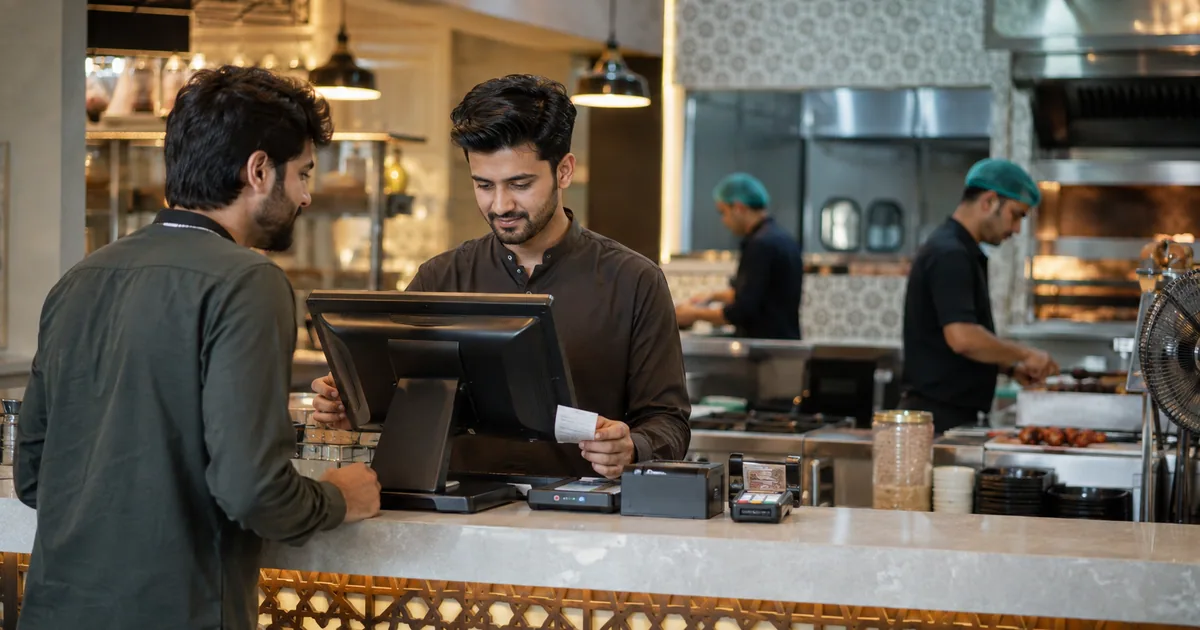
A restaurant POS system is a combination of software and connected devices used to manage restaurant orders, billing, payments and other day-to-day operational activities. Modern restaurant POS software can also support kitchen coordination, inventory visibility and reporting.
Running a restaurant involves more than taking an order and collecting payment. Orders need to reach the kitchen correctly, bills need to stay connected with each transaction, and managers need visibility into daily operations. A POS helps bring these activities into one digital workflow.
What Is a Restaurant POS System?
POS stands for Point of Sale. Traditionally, the point of sale was mainly the place where a customer paid for an order. Modern restaurant POS systems can support much more of the restaurant workflow.
A restaurant POS can help staff enter customer orders, keep orders connected with the correct table or transaction, move order information into the kitchen workflow, prepare the final bill, record completed sales, and support inventory and reporting processes. The exact capabilities depend on the POS software being used.
What Does POS Stand For in a Restaurant?
In a restaurant, POS means Point of Sale, but the system can support activities before and after the actual payment. For example, a waiter may enter an order into the POS, the kitchen receives the relevant order details, and the same transaction remains available for billing when the customer is ready to pay.
How Does a Restaurant POS System Work?
The exact workflow can vary between restaurants and POS systems, but a typical restaurant order moves through connected stages from order entry to payment.
Step 1: The Customer Order Is Entered
A customer places an order. Depending on the restaurant, a waiter or staff member can enter the selected items through a POS terminal, tablet or another supported device. The order is then stored as part of the restaurant's order workflow.
Step 2: The Order Moves to the Kitchen
Once confirmed, the required order information moves into the kitchen workflow. Restaurants may use a KOT (Kitchen Order Ticket), a kitchen display system (KDS), or another connected method depending on the system. This gives kitchen staff the information they need to prepare the order.
Step 3: The Kitchen Prepares the Order
Kitchen staff prepare the requested items based on the order information they receive. Keeping order entry and kitchen operations connected can reduce the need to manually rewrite or verbally communicate every order.
Step 4: Billing and Payment Are Completed
When the customer is ready to pay, the restaurant can use the same order information to prepare the bill. The transaction is then completed according to the restaurant's supported payment process.
How Do Restaurants Receive and Process Orders?
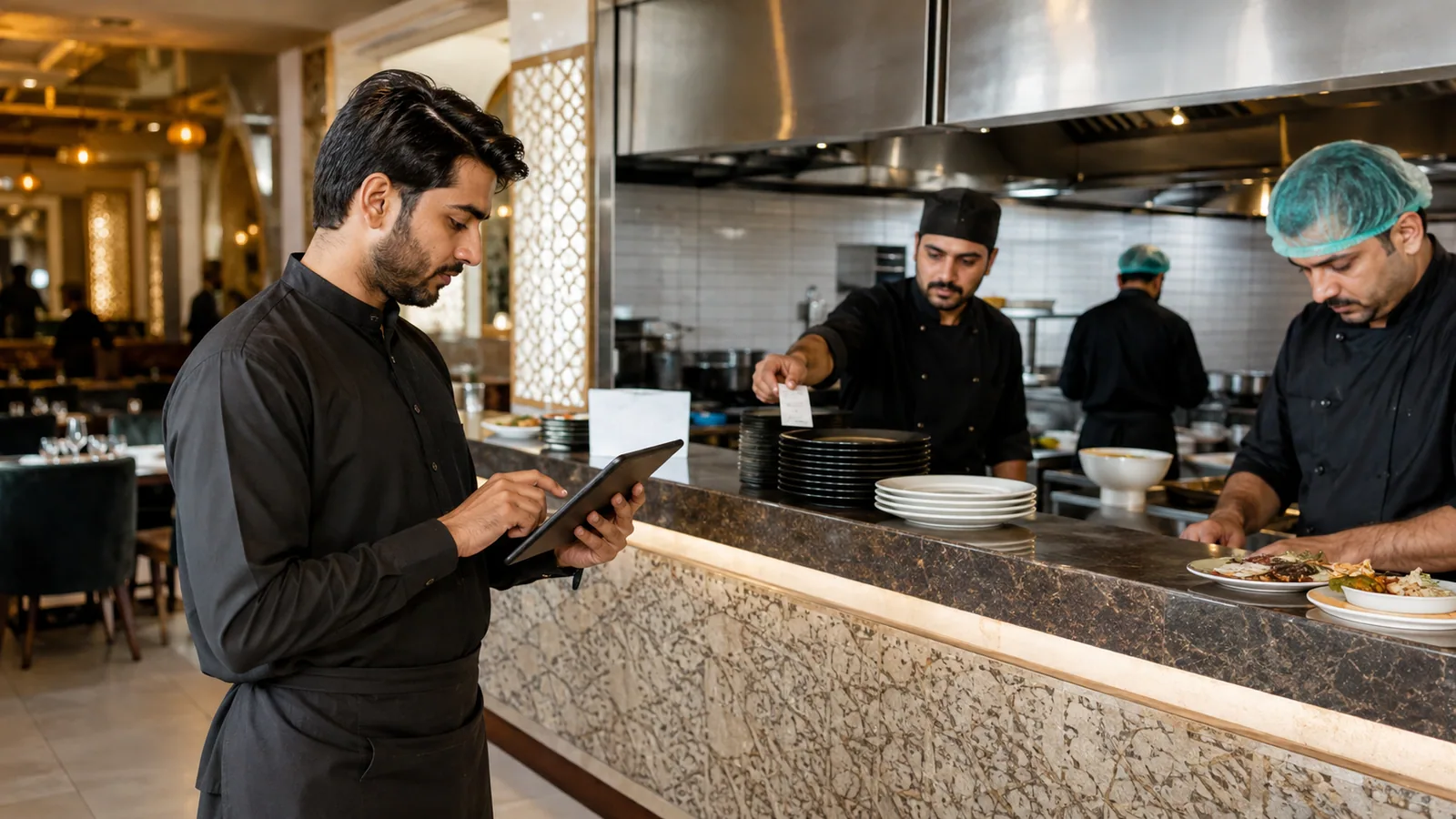
Restaurants can receive orders through different channels, including dine-in staff, takeaway counters and supported digital ordering channels. In a typical dine-in workflow, a waiter takes the customer's request and enters the items into the restaurant's order system. The relevant details then move into the kitchen workflow, while the billing side keeps the transaction connected for later updates and payment.
What Can a Restaurant POS System Help Manage?
A modern restaurant POS system can support several areas of daily operations. The exact set of features depends on the software, so restaurants should evaluate the functions they actually need.
Orders and Billing
Staff can create and update orders while keeping billing connected with the same transaction. This can make it easier to manage busy service periods compared with disconnected manual processes.
Kitchen Coordination
Restaurant POS software can help move order details from front-of-house staff into the kitchen workflow. The exact process depends on how each POS system is configured.
Inventory and Stock Visibility
Some restaurant systems connect sales and operational activity with inventory management. This can help managers understand stock movement and identify items that may need attention. Restaurants evaluating that connection can also review DigiNizam Restaurant Inventory Software.
Sales and Reports
POS systems can also provide operational reports based on the information recorded through the system. Useful reporting may include sales activity, order information, top-selling items and other operational indicators, depending on the software.
What Is an Offline POS System?
An offline POS system, or offline mode, allows selected POS operations to continue when an active internet connection is unavailable. The exact offline capability depends on how the system is built. Some systems may store selected information locally and synchronize it later, while other functions may still require an internet connection.
Restaurants should confirm which actions continue offline, what information is stored locally, which actions still require internet, and how information is synchronized when connectivity returns.
What Happens When the Internet Comes Back?
In systems designed with offline support, locally stored or queued information may be synchronized when connectivity returns. Offline behavior differs across POS products, so restaurants should confirm exactly which operations are supported before relying on offline mode.
Example: A Restaurant POS Order From Table to Payment
Imagine a customer at Table 4 orders two chicken burgers and two drinks.
- The waiter selects Table 4 and enters the order.
- The order moves into the kitchen workflow.
- Kitchen staff prepare the burgers and drinks.
- The restaurant keeps the order connected with Table 4.
- When the customer asks for the bill, the transaction is prepared for payment.
- The completed sale becomes part of the restaurant's operational records.
This example shows how a POS can connect several restaurant activities around one order instead of treating each step as a separate manual task.
What Should a Restaurant Look for in a POS System?
There is no single POS setup that suits every restaurant. Restaurant owners should evaluate systems based on their actual workflow and priorities.
Important areas to consider include simple order entry, billing workflow, kitchen coordination, inventory requirements, reporting, offline reliability, ease of use for staff, support, and the ability to fit the restaurant's current operations.
The goal should be to choose a system that makes daily work easier without adding unnecessary complexity.
How DigiNizam Supports Restaurant Operations
DigiNizam connects restaurant POS and billing with order management, kitchen tickets/KDS, inventory linked to sales, and operational reporting. For supported offline operations, orders and billing can continue when the internet drops, with records stored locally and synchronized when connectivity returns. Not every action works offline, so the exact setup should be confirmed for each restaurant.
Restaurants can review the current restaurant workflow on the DigiNizam Restaurant Management Software page or book a demo to see how the system fits their operations.
Frequently Asked Questions
A restaurant POS system is software, often used with connected devices, that helps restaurants manage activities such as order entry, kitchen workflow, billing, payments and other daily operational processes.
Some restaurant POS systems can continue selected operations without internet. The exact offline functionality depends on the software and how it stores and synchronizes information.
In a digital restaurant workflow, staff enter the order into the POS or order system. The relevant order details then move into the kitchen workflow through the method supported by that restaurant's system.
See How DigiNizam Fits Your Restaurant Workflow
Every restaurant operates differently. If you want to understand how DigiNizam can fit your restaurant's order, billing, kitchen, inventory and reporting requirements, book a DigiNizam demo to discuss your workflow and see the live system.
Book a DigiNizam Demo