POS Software Pricing in Pakistan: What Businesses Should Consider Before Buying
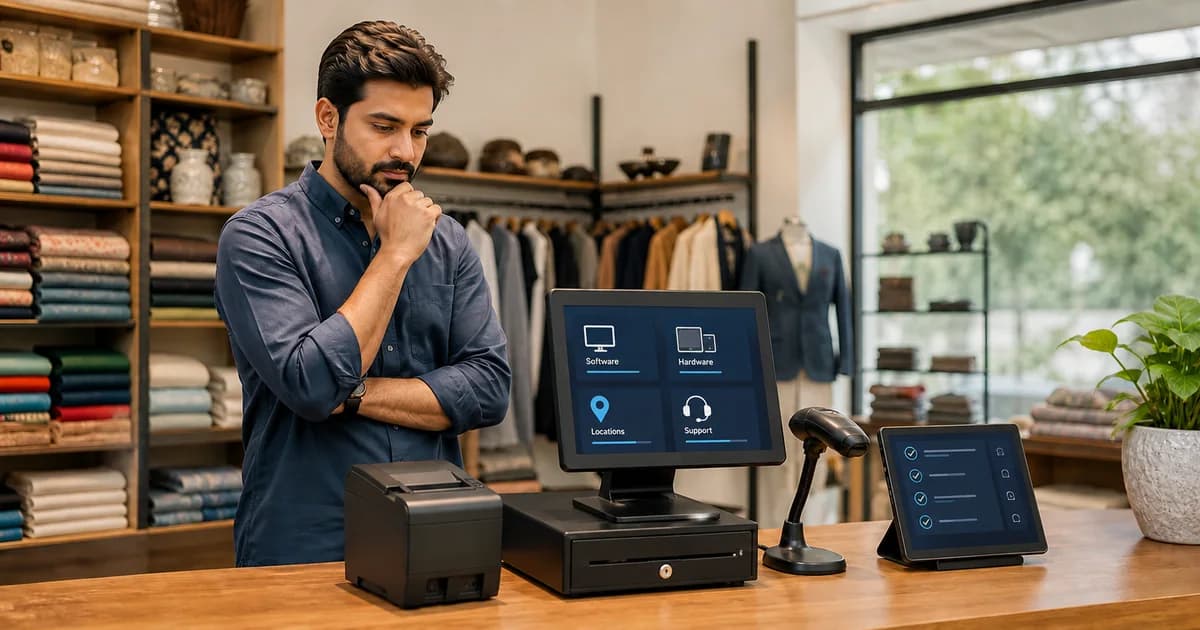
There is no single POS software price that is right for every business in Pakistan.
The total cost depends on factors such as the type of business, required features, number of outlets, hardware requirements and the level of support needed.
Instead of choosing a POS only because it appears inexpensive, businesses should understand what is included in the price and whether the system can support their daily operations.
How Much Does POS Software Cost in Pakistan?
POS pricing can vary significantly between providers.
Some systems use:
- Monthly subscriptions
- Annual subscriptions
- One-time software charges
- Custom packages
- Separate hardware charges
1. Software Subscription
Many modern POS systems use a subscription-based pricing model.
Businesses pay for access to the software for a specific period rather than purchasing a permanent software licence.
Subscription pricing can make it easier for businesses to start without a large upfront software investment.
However, you should always confirm what the subscription includes.
Ask whether features such as inventory, reporting, users or additional modules are included or charged separately.
2. POS Hardware
Software and hardware are not always included in the same price.
Depending on the business, POS hardware may include:
- Desktop or POS terminal
- Tablet
- Receipt printer
- Barcode scanner
- Cash drawer
- Other compatible devices
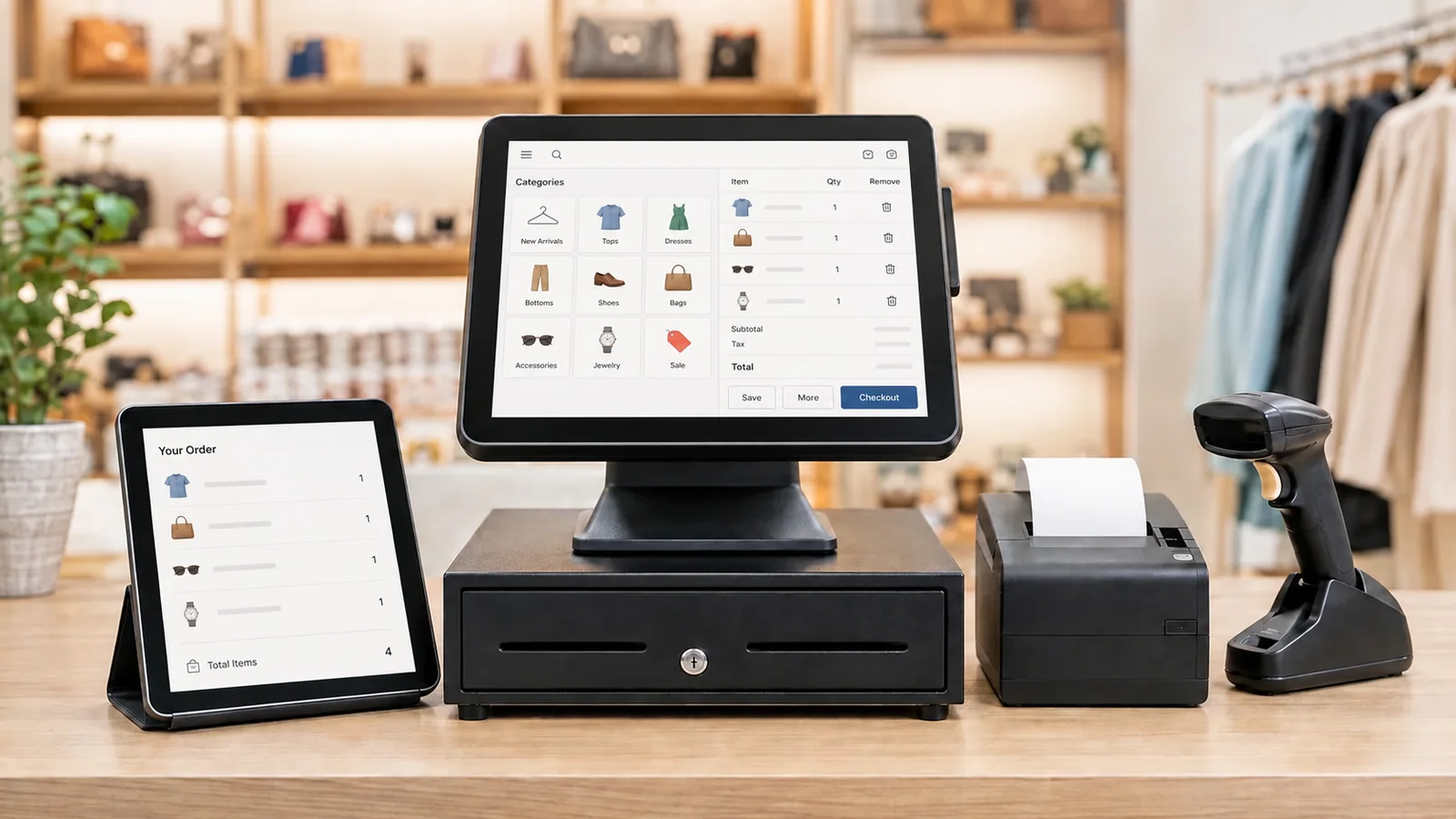
If you already have suitable hardware, ask the provider whether the software can work with your existing setup.
Always separate software cost from hardware cost when comparing quotations.
3. Number of Business Locations
A single-store business and a multi-outlet business may have different requirements.
Businesses operating multiple branches may require centralized reporting, separate users or location-specific inventory visibility.
When requesting POS pricing, tell the provider how many locations you currently operate and whether you plan to expand.
4. Required Modules
Different businesses need different functionality.
For example, a restaurant may need:
- Orders
- Kitchen management
- Tables
- Inventory
A retail store may focus more on:
- Billing
- Products
- Stock
- Purchases
- Suppliers
A pharmacy or another specialized business may have additional operational requirements.
Therefore, comparing two POS systems only by price can be misleading if the included modules are different.
5. Number of Users
Some software providers may structure packages according to users or devices.
Before purchasing, determine who needs access.
This may include:
- Owner
- Administrator
- Cashier
- Waiter
- Kitchen staff
- Manager
Ask whether additional users affect pricing.
6. Setup and Onboarding
A POS system needs to be configured correctly before staff can use it effectively.
Ask whether the quoted price includes:
- Initial setup
- Business configuration
- Product or menu setup assistance
- User configuration
- Staff guidance
- Initial onboarding
A slightly cheaper system may become more expensive if important setup services are charged separately.
7. Support and Maintenance
POS software becomes part of everyday business operations.
Support therefore matters.
Before choosing a provider, ask:
- How is technical support provided?
- Is support included?
- Are software updates included?
- Are there additional maintenance charges?
- What happens if the business needs help after deployment?
Support quality should be considered alongside the software price.
8. Cloud, Offline and Connectivity Requirements
Businesses should also understand how the POS depends on internet connectivity.
A cloud-based solution can provide convenient remote access, but businesses with critical counter operations should understand what happens during an internet outage.
If offline operation matters to your business, confirm the exact offline functionality before purchasing.
Cheap POS vs the Right POS
Choosing the lowest-priced system can sometimes reduce the initial cost but create operational problems later.
For example, a low-cost POS may not support:
- Your required workflow
- Inventory requirements
- Kitchen operations
- Multiple locations
- Useful reports
- Future expansion
Changing POS software later can involve data migration, staff retraining and additional implementation effort. Price matters, but operational fit matters more.
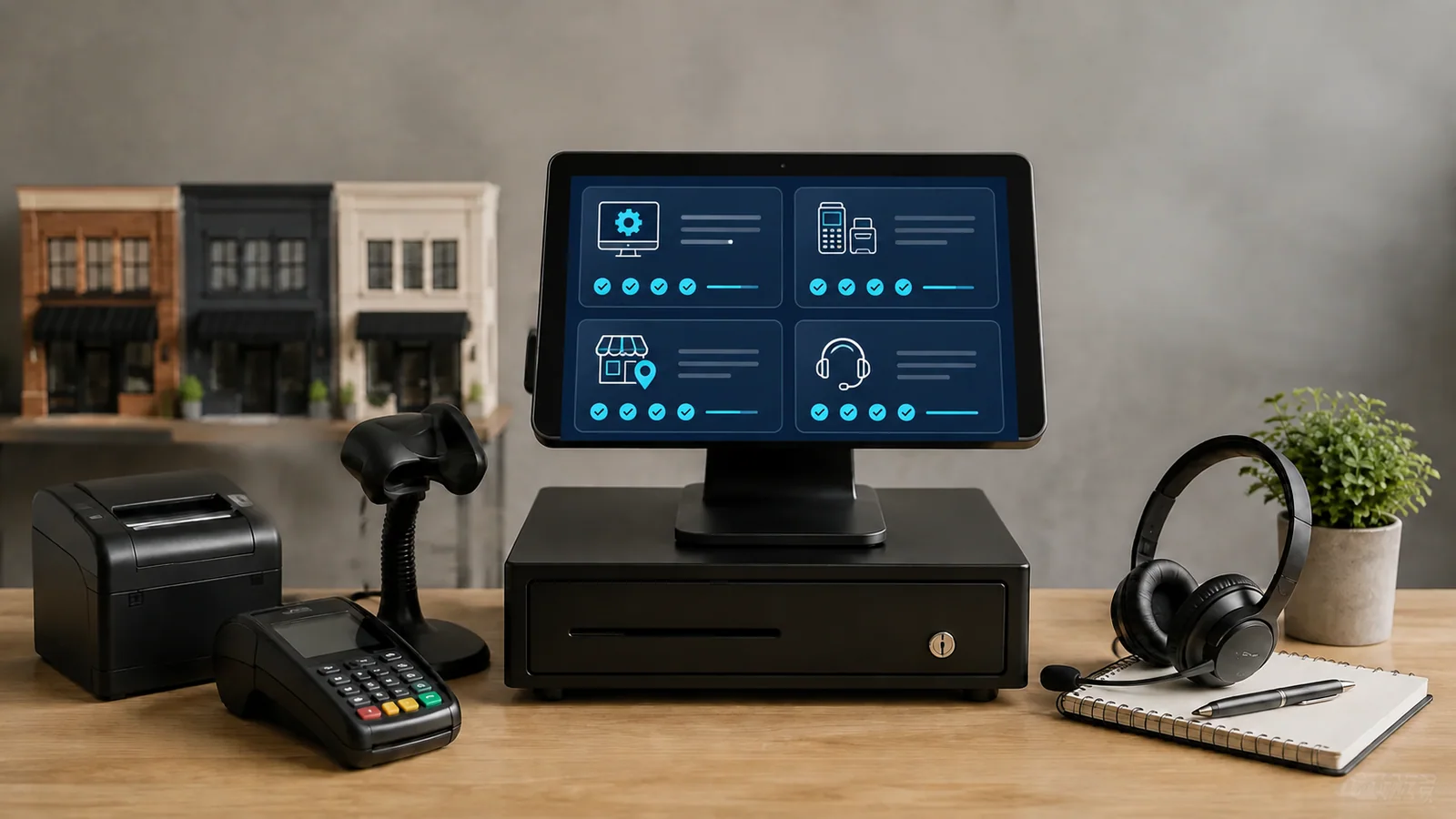
POS Buying Checklist
Before accepting a quotation, confirm:
- Software subscription cost
- Hardware cost
- Included modules
- Number of users
- Number of locations
- Setup charges
- Training or onboarding
- Support
- Updates
- Offline functionality
- Reporting
- Future expansion cost
Ask the vendor to clearly separate optional and required costs.
What About DigiNizam Pricing?
DigiNizam is designed to support different types of businesses and operational requirements.
Because requirements can vary depending on industry, outlets, modules and hardware needs, businesses should confirm the appropriate package based on their setup.
Instead of relying only on a price figure, a DigiNizam demo can help identify which functionality your business actually requires.
Final Thoughts
POS software pricing in Pakistan should be evaluated based on the complete solution rather than one advertised number.
Before purchasing, understand: Software + hardware + modules + outlets + support + future requirements.
The right POS should provide value by helping the business operate more efficiently, not simply by having the lowest purchase price.
Frequently Asked Questions
POS prices vary according to software model, features, business type, number of locations, users, hardware and support requirements.
Not always. Many providers charge separately for software and hardware, so businesses should confirm both costs before purchasing.
Neither model is automatically better. Businesses should compare features, updates, support, total cost and long-term requirements.
Check billing, inventory, reporting, required industry features, hardware, offline functionality, support, users, locations and expansion options.
If the provider offers a demo or trial, businesses should use it to evaluate the actual workflow before making a final decision.
Not sure which DigiNizam setup is right for your business?
Book a demo and discuss your business requirements before selecting a POS solution.
View PricingBook a Demo