Manual Billing vs Retail POS Software: Which Is Better for Your Store?
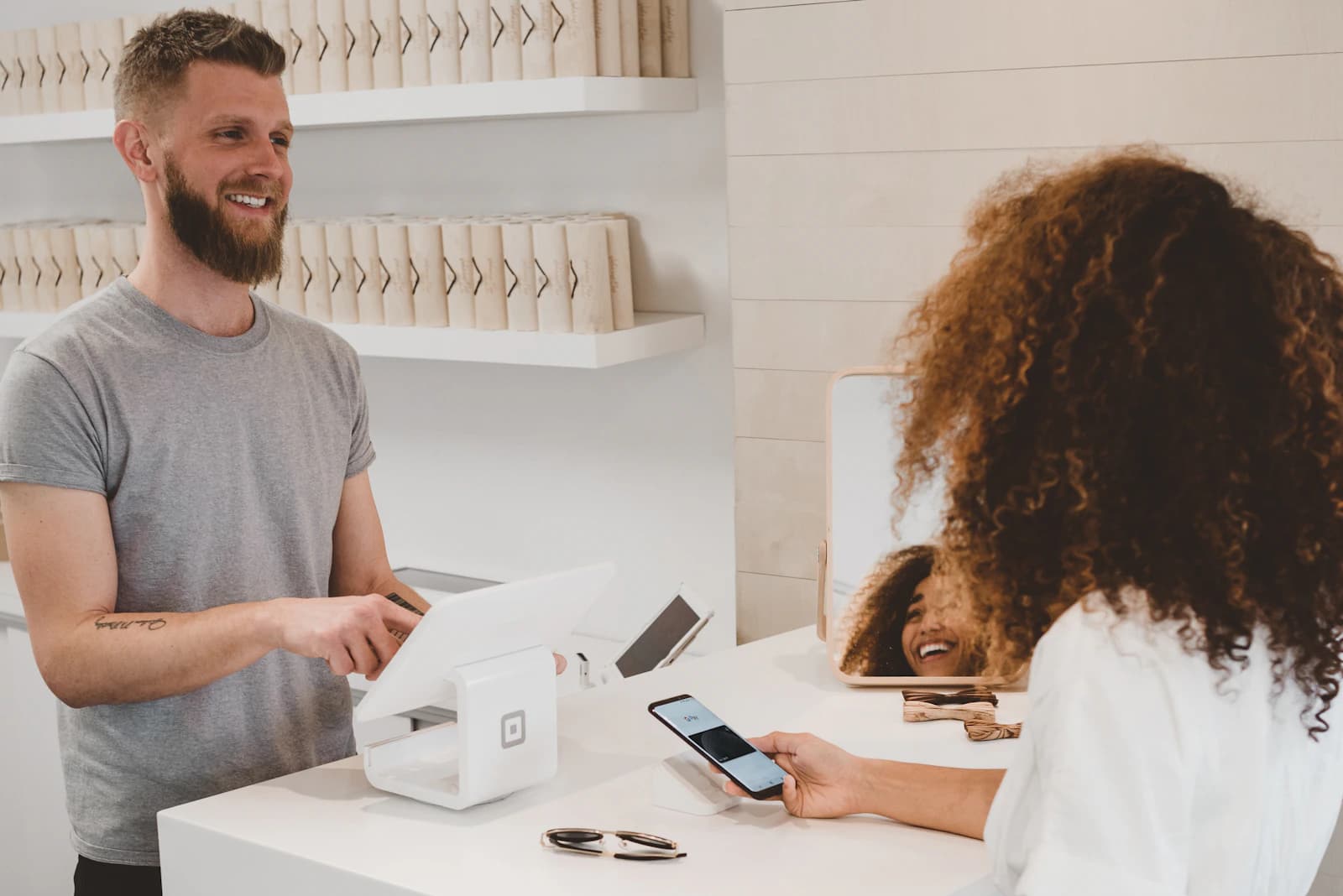
Manual billing can be sufficient for a very small shop with limited products and transactions. As sales volume, product count and reporting needs increase, paper records or spreadsheets can become harder to maintain.
Retail POS software connects billing with inventory and reporting so store teams can manage transactions and operational records in one workflow.
Manual Billing: Where It Works and Where It Gets Difficult
Manual billing is simple to start and can work for a small operation with few products and low transaction volume. The difficulty appears when the business needs consistent stock updates, detailed reporting, multiple users or multiple locations.
- Simple setup
- Low initial process complexity
- Useful for very small volumes
- More manual entry as business grows
- Limited connection between billing, stock and reporting
Retail POS Software: What Changes?
A retail POS creates a structured digital sales workflow. Products are selected/scanned, the transaction is completed, and the sale can remain connected to inventory and reports.
- Structured billing
- Product/pricing records
- Sales history
- Inventory connection
- Reports
- Purchasing/supplier workflows where supported
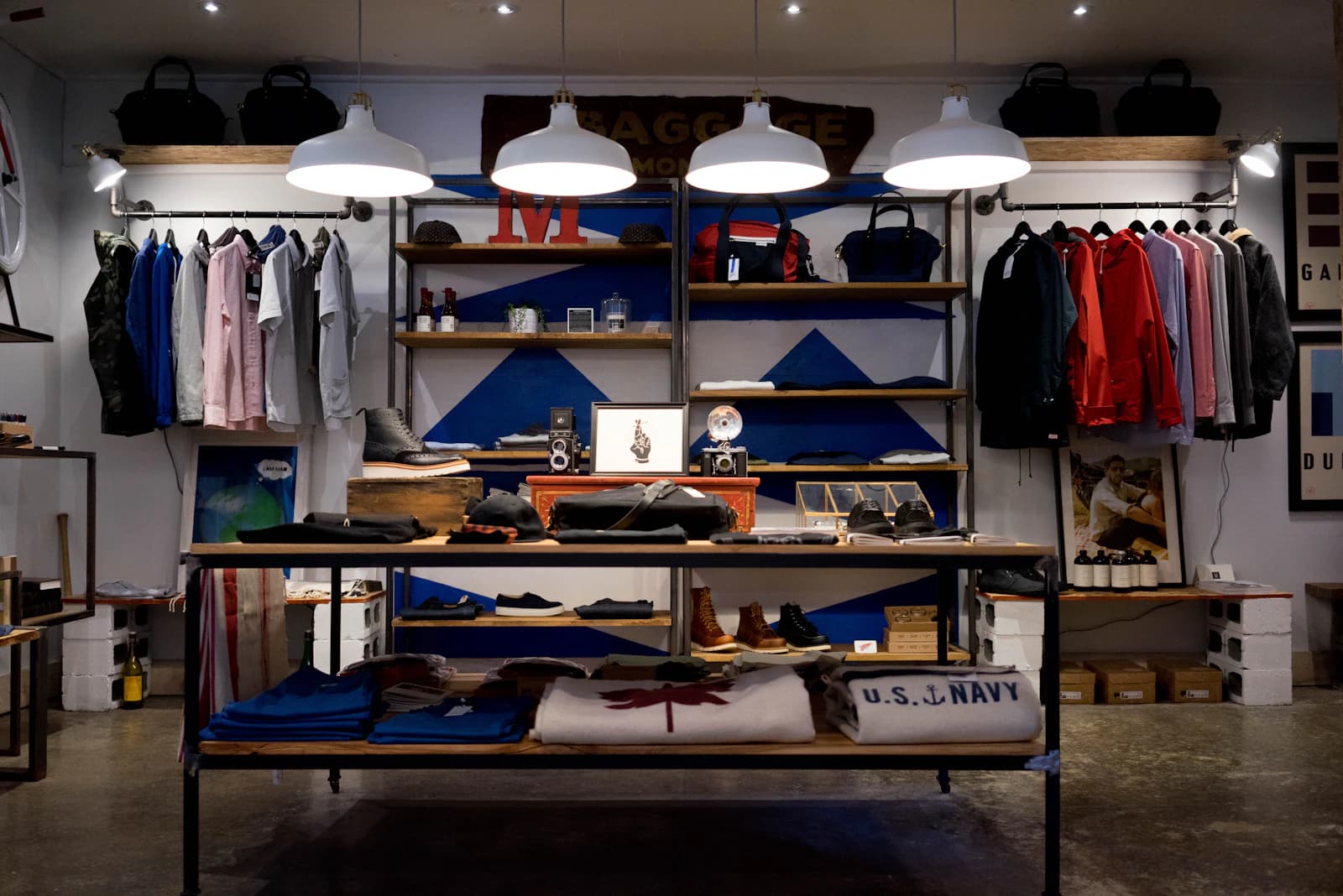
Manual Billing vs POS: A Practical Comparison
Neither approach is automatically right for every shop. The fit depends on store size, product complexity, reporting needs and growth plans.
- Billing speed: POS can standardize checkout; manual methods require more entry.
- Stock control: connected POS can link sales to inventory.
- Reporting: POS creates structured sales/stock records.
- Purchasing: supported POS workflows can connect purchases with inventory.
- Branches: multi-store POS can centralize supported information.
- Offline: capability depends on configuration; DigiNizam supports offline-ready operations where configured.
When Should a Store Move From Manual Billing to POS?
Consider the change when billing is slow, stock records frequently differ, reports require manual work, the product catalog is growing, or multiple outlets need visibility. A useful test is how much time staff spend reconciling information after a sale.
How to Compare Retail POS Before Buying
Do not compare only feature counts. Test the workflow staff will use every day.
- Process a real sample sale
- Check stock movement
- Review a sales report
- Test a purchase/supplier workflow
- Ask about returns/adjustments
- Confirm offline behavior if needed
- Check multi-store requirements
- Understand pricing, setup, support and data access
DigiNizam's Retail Workflow
DigiNizam's Retail solution connects billing, inventory, sales, stock alerts, reporting and multi-store control. The exact modules/configuration depend on the business setup. For a useful demo, walk through a real product sale, stock update, purchase, report and multi-branch workflow if relevant.
Frequently Asked Questions
It can be suitable for a very small shop with limited transactions and simple reporting needs. The decision changes as product, transaction, inventory or branch complexity increases.
Manual billing records transactions separately, while POS software can connect sales with product, inventory and reporting records in one workflow.
In a connected POS and inventory setup, a completed sale can update the related stock record.
Some systems support offline-ready operation. DigiNizam supports offline-ready POS where configured; confirm the exact workflow during a demo.
Multi-store POS can connect supported sales, stock and reporting across locations. DigiNizam supports multi-store setups.
A retail platform can connect purchasing and supplier records with inventory. DigiNizam includes purchasing and supplier-related workflows.
Retail POS reporting can cover sales, product movement, stock, purchases and branch activity, depending on configuration.
Test billing, stock updates, reporting, purchasing, returns, offline behavior if needed, branch management, support and pricing against your actual workflow.
Compare manual billing with DigiNizam POS
Use a live demo to process a sample sale, review stock movement and reporting for your store.
Book a DigiNizam demoView pricing