
Best POS Software for Restaurants in Pakistan: Features to Look for Before You Buy
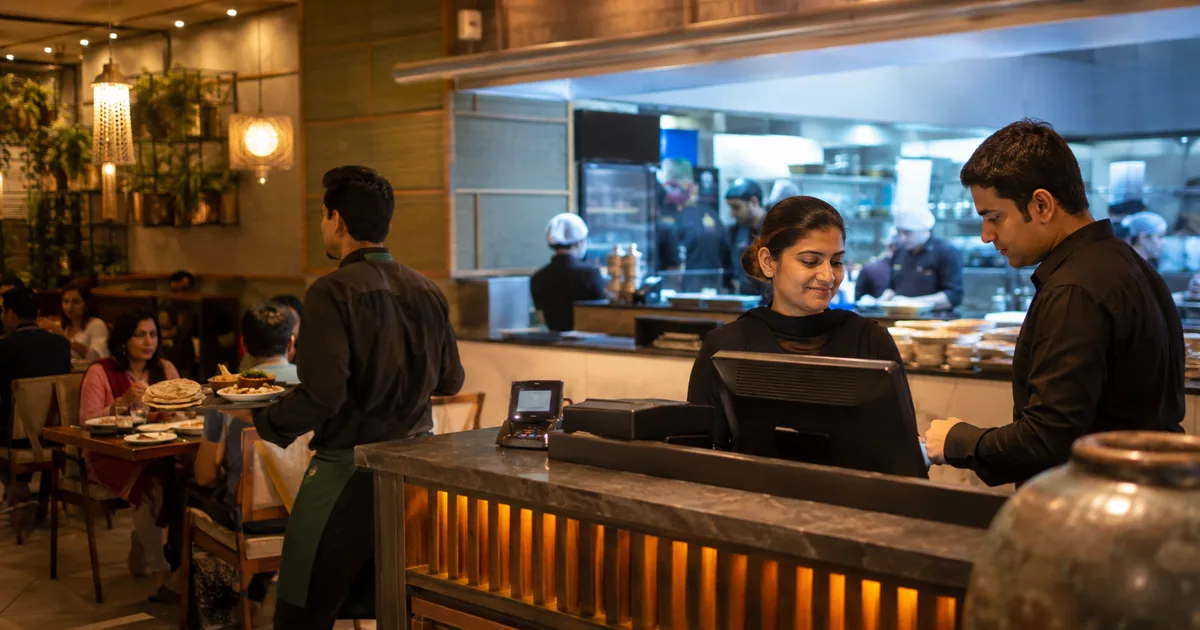
Choosing restaurant POS software is not only about finding a system that can generate a bill.
A good restaurant POS should help manage the complete daily flow of a restaurant — from taking an order and sending it to the kitchen to billing, inventory tracking and management reporting.
For restaurants in Pakistan, reliability is especially important. The system should remain practical during busy hours, be easy for staff to use and provide management with clear visibility into operations.
What Should a Good Restaurant POS System Do?
A restaurant POS system should connect the major parts of restaurant operations in one place.
Instead of separately managing orders, kitchen tickets, invoices and stock, a restaurant management system can create a smoother workflow between front-of-house and back-of-house operations.
When comparing POS systems, consider whether the software supports the way your restaurant actually works.
1. Fast and Simple Order Management
Order processing is one of the most important parts of a restaurant POS.
Staff should be able to quickly:
- Create customer orders
- Select products or menu items
- Manage dine-in or counter orders
- Send orders for preparation
- Complete billing without unnecessary steps
During busy hours, a complicated order process can slow down service.
A POS should therefore reduce the number of manual steps required to complete an order.
2. KOT or Kitchen Order Management
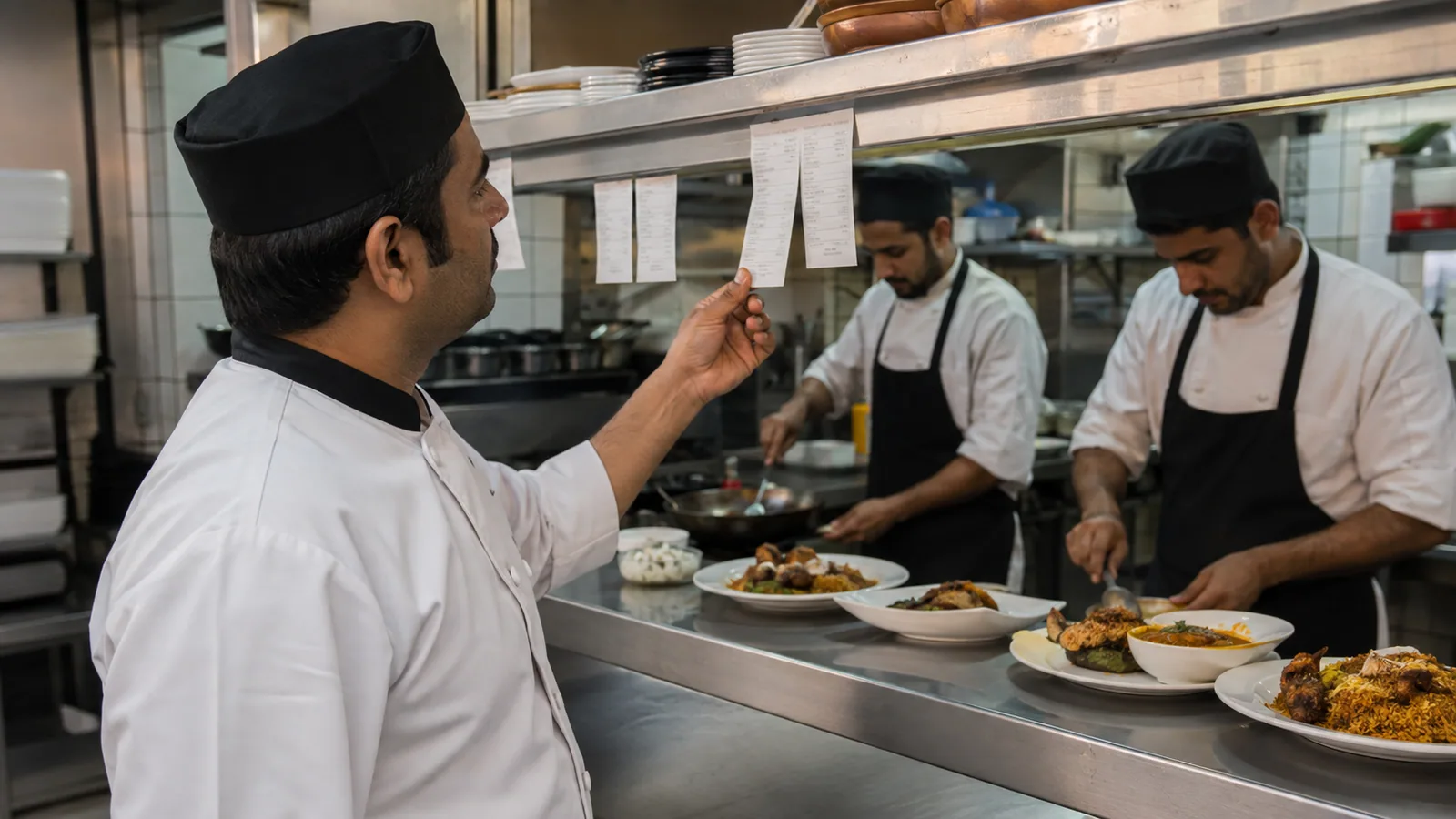
Restaurants need clear communication between the counter, waiters and kitchen.
A good restaurant POS should allow an order to move efficiently from the ordering point to the kitchen.
Kitchen Order Tickets or a Kitchen Display System can help kitchen staff understand:
- What was ordered
- Which table or order it belongs to
- Item quantities
- Preparation notes
- Current order status
This reduces dependency on handwritten notes and verbal communication.
3. Billing and Invoice Management
Billing should be quick, accurate and easy for staff to understand.
Before selecting a POS, check whether it provides a simple process for creating invoices, completing payments and reviewing previous transactions.
Restaurant owners should also be able to access sales records without manually maintaining separate spreadsheets.
4. Inventory Management
Restaurant inventory is different from normal retail inventory.
Restaurants often need to manage ingredients and stock that are continuously used during food preparation.
A useful POS and restaurant management system should help businesses maintain better visibility into stock levels and purchasing.
This can help management identify low-stock items earlier and make more informed purchasing decisions.
5. Offline Reliability
Internet connectivity should not bring restaurant operations to a complete stop.
For businesses where continuous billing and order processing are important, offline-capable operations can be a major advantage.
A system designed with offline operation and later synchronization can help restaurants continue important tasks even when connectivity is temporarily unavailable.
When comparing systems, ask the vendor exactly which functions remain available during an internet outage.
6. Reports and Business Visibility
A POS should provide more than transaction records.
Restaurant owners and managers need useful visibility into business activity.
Useful reports can include information related to:
- Sales
- Orders
- Products
- Inventory
- Invoices
- Business performance
The objective is not simply to collect data. The POS should make the information easier for management to understand and use.
7. User and Staff Roles
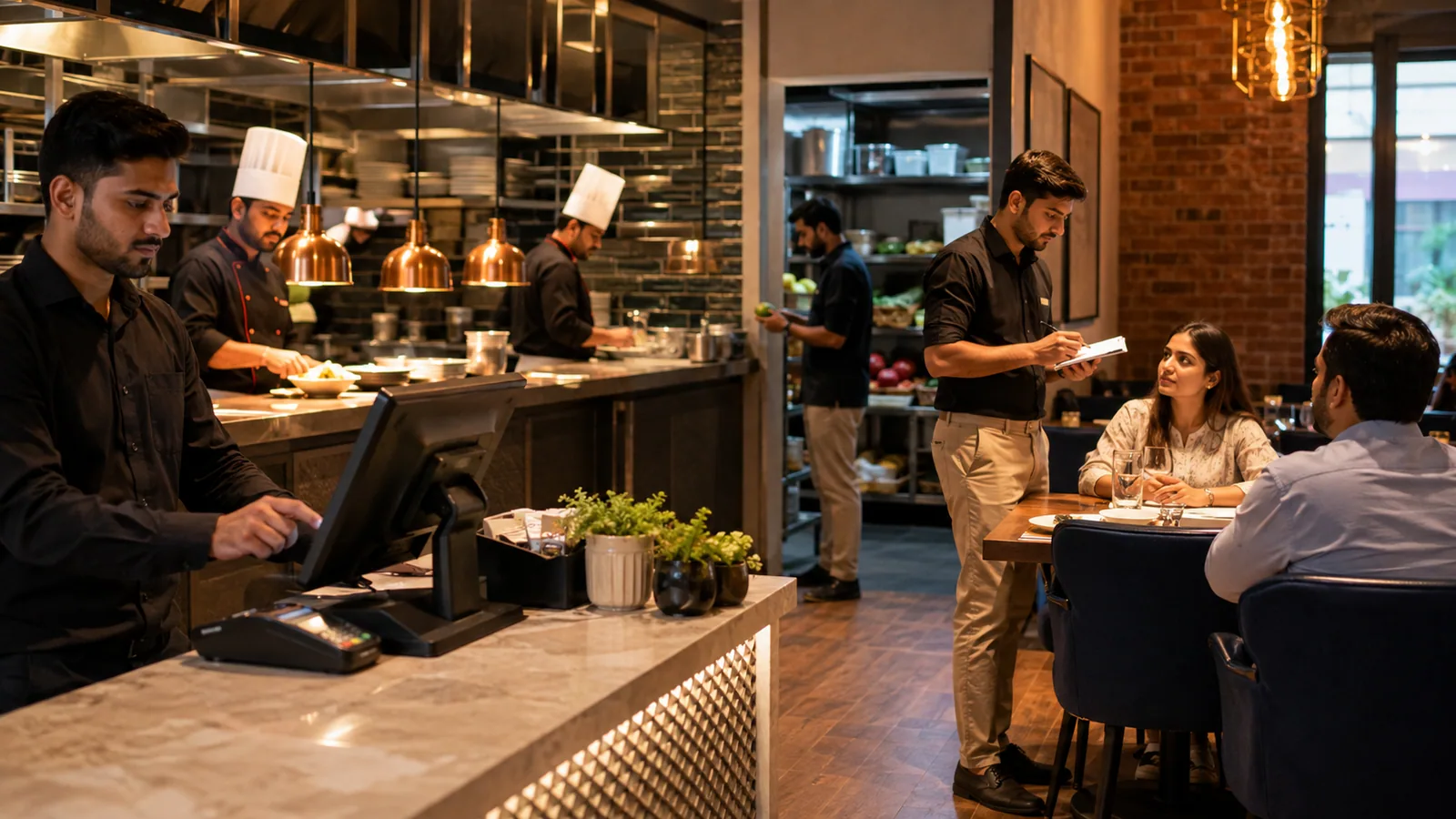
Not every employee needs access to every part of the system.
Role-based access can help businesses control which features staff members can use.
For example, kitchen staff, waiters and administrators may require different access levels.
This makes the system easier to manage and helps keep operational access organized.
8. Floor and Table Management
For dine-in restaurants, table management is another important consideration.
A POS system that connects orders with tables can make it easier for staff to manage the dine-in workflow.
Before purchasing software, check whether its table and floor features fit your restaurant layout and operational process.
9. Multi-Outlet Scalability
A restaurant may begin with one outlet but expand later.
Before choosing a POS, consider whether the system can support future business growth.
Ask questions such as:
- Can another outlet be added later?
- Can management view information across locations?
- Is the system suitable for different staff roles?
- Can the business add more operational modules when required?
Choosing software only for today's needs can create unnecessary migration work later.
Questions to Ask Before Buying Restaurant POS Software
Before making a decision, ask the POS provider:
- Does the system support restaurant order management?
- How does the kitchen workflow work?
- What happens if the internet goes down?
- How is inventory managed?
- What reports are available?
- Can staff roles be controlled?
- Can the system support multiple outlets?
- What support and onboarding are included?
- Are software and hardware charged separately?
- Can I see the complete workflow in a live demo?
A live demonstration is often more useful than choosing a system based only on a feature list.
How DigiNizam Supports Restaurant Operations
DigiNizam brings key restaurant operations into a connected management environment.
Depending on the configured solution, restaurant operations can include areas such as:
- Orders
- Kitchen workflow
- Billing and invoices
- Inventory
- Floor and tables
- Users and staff roles
- Public catalog
- Reporting and analytics
The objective is to reduce disconnected processes and give businesses better operational control from one system.
Final Thoughts
The best POS software is not necessarily the system with the longest feature list.
The right system is one that matches your restaurant's real workflow, remains practical for staff and gives management the visibility needed to operate the business efficiently.
Before buying a restaurant POS in Pakistan, compare the complete workflow — not only the billing screen.
Frequently Asked Questions
The right POS depends on the restaurant's size and workflow. Important features to compare include order management, kitchen operations, billing, inventory, offline reliability and reporting.
Some POS systems provide offline functionality, while others depend heavily on an internet connection. Restaurants should confirm exactly what remains operational during an outage before purchasing.
A KOT helps communicate customer orders from the ordering point to the kitchen, reducing manual communication and helping kitchen staff manage preparation more clearly.
Many restaurant management systems include inventory functionality. The exact inventory features vary between providers, so businesses should review them during a demo.
Yes. A live demo helps you test the complete order, kitchen, billing and management workflow before making a purchasing decision.
Looking for a POS system for your restaurant?
Explore DigiNizam's restaurant solution and book a demo to see how the workflow can fit your business.
Explore Restaurant POSBook a Demo